24/7 Online Booking: Why It Matters for Salons and Clinics
Clients decide at night and on weekends. If booking only works when you are available to respond, you miss the moments when people actually have time to book. 24/7 booking does not mean working at night. It means your page can accept bookings when you are unavailable.
You close at 7 p.m.
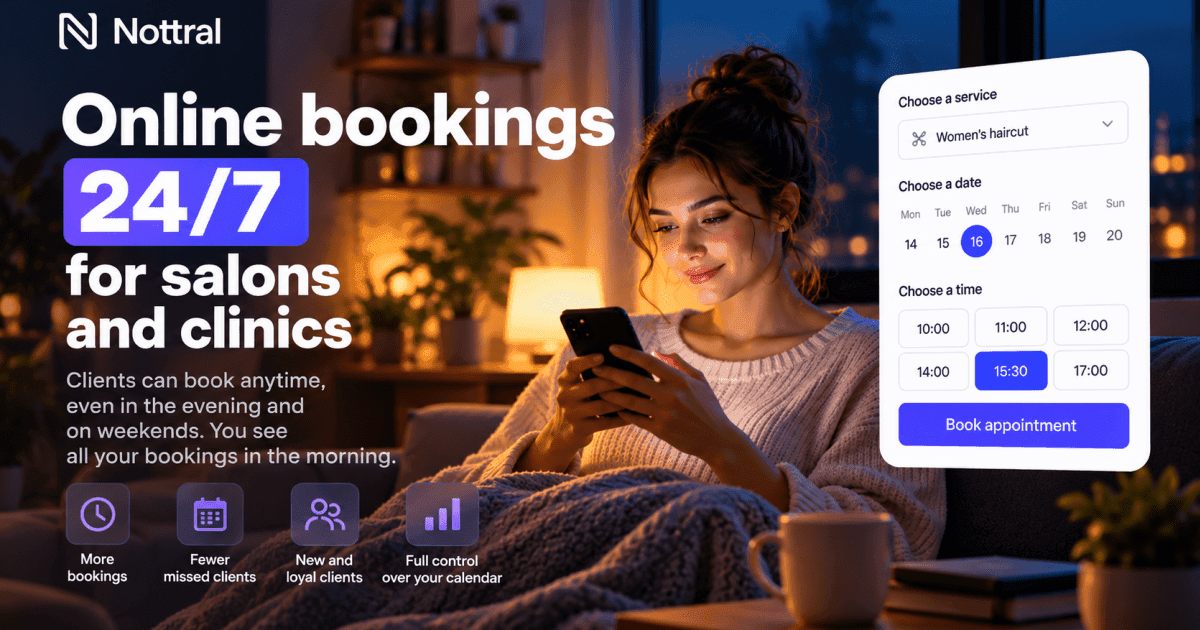
A client thinks about getting a haircut at 9:37 p.m., sitting on the sofa after the day is finally over. They have a few seconds to decide whether to solve it now or leave it for tomorrow.
If your page says “call tomorrow,” the booking once again depends on when you are available to respond.
Maybe they call tomorrow. Maybe they forget. Maybe they find a salon where they can see available times immediately.
24/7 online booking does not mean keeping your phone on the nightstand.
It means the booking does not depend on when you can answer.
What happens after business hours
Evenings and weekends are when people organize their schedules, compare options, and deal with things they did not have time for during the day.
If your process is:
message → wait → reply → check calendar → confirm
while another business offers:
choose service → choose time → confirm
then the difference is not technology.
It is the number of steps between intent and booking.
For a clinic, the principle is similar. Someone searching for a medical service in the evening may prefer to check availability and book without leaving a message and waiting for the next working day.
What 24/7 booking actually means
It does not mean answering WhatsApp at 11 p.m.
It does not mean accepting appointments outside your working hours.
And it does not mean leaving your entire calendar open.
It means the system can accept a booking at any time, within the rules you define.
For example:
only your real working hours are shown;
days off are blocked;
clients see only available slots;
bookings are confirmed automatically;
reminders are sent before the appointment;
you control the booking rules.
You open the calendar in the morning and see the bookings made overnight.
The client solved their problem when they had time.
You still control the calendar
One reason some businesses avoid online booking is the fear that people will fill the calendar chaotically.
But an online calendar does not decide when you work.
You set the rules.
You can decide:
which days accept bookings;
which time slots are available;
how far in advance people can book;
how close to the appointment they can book;
which services can be booked online;
whether a deposit is required;
when the calendar closes automatically.
Availability is public.
The rules are yours.
Why this matters for new clients
An existing client may have your phone number and know when you are usually available.
A new client does not have that relationship.
They find you through Google, Instagram, a recommendation, or your website and want to know one thing: can I book?
If the answer is “send us a message and we will get back to you,” you have introduced waiting at exactly the moment the person was ready to act.
Online booking removes that wait for simple appointments.
24/7 does not mean unlimited availability
This distinction matters.
You can offer 24/7 online booking while working Monday to Friday from 9 a.m. to 6 p.m.
A client can book on Monday at 10 p.m. for Wednesday at 3:30 p.m.
The calendar is open.
You are not.
That is the point.
The booking system works outside your working hours without requiring you to work outside your working hours.
Common mistakes
“Online booking” leads to a contact form
If the client fills out a form and waits for you to call, you have not solved the problem.
You have moved the phone into a form.
Your hours are not up to date
If your website says you are open on Saturday but the calendar has no available times, the client does not know what to trust.
Your information needs to be consistent.
The calendar shows times when you do not work
This sounds obvious, but it happens when a calendar is configured once and then forgotten.
Online booking only works when availability reflects reality.
There is no confirmation
The client selected a time but does not know whether the booking went through.
An immediate confirmation removes that uncertainty.
A simple calculation
Suppose you lose a few bookings each month because people contact you outside business hours and do not get a response quickly enough.
If the average booking is worth 150 lei, even a few lost bookings can mean several hundred lei that never make it onto the calendar.
This is not an estimate of your actual losses.
It is simply a reason to measure how many booking requests arrive after you close.
Look at your own data before making assumptions.
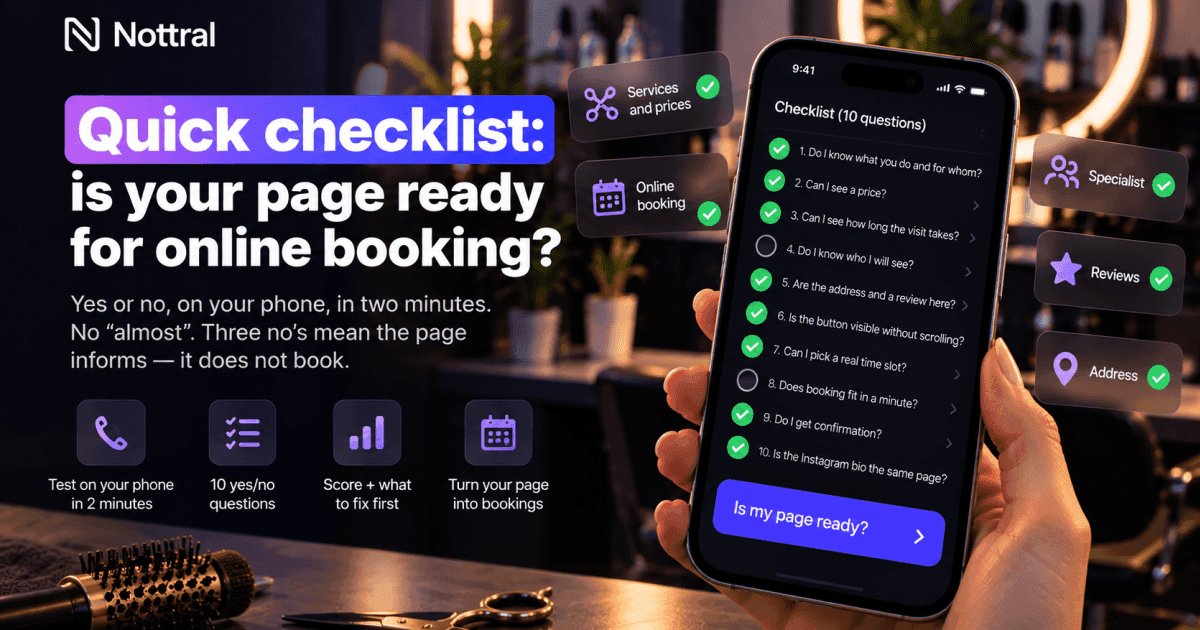
Checklist: do you really offer 24/7 online booking?
[ ] Your booking link works in the evening.
[ ] Clients can see available times themselves.
[ ] Only working hours are shown.
[ ] The booking receives a confirmation.
[ ] The client receives a reminder before the appointment.
[ ] Days off and breaks are blocked in the calendar.
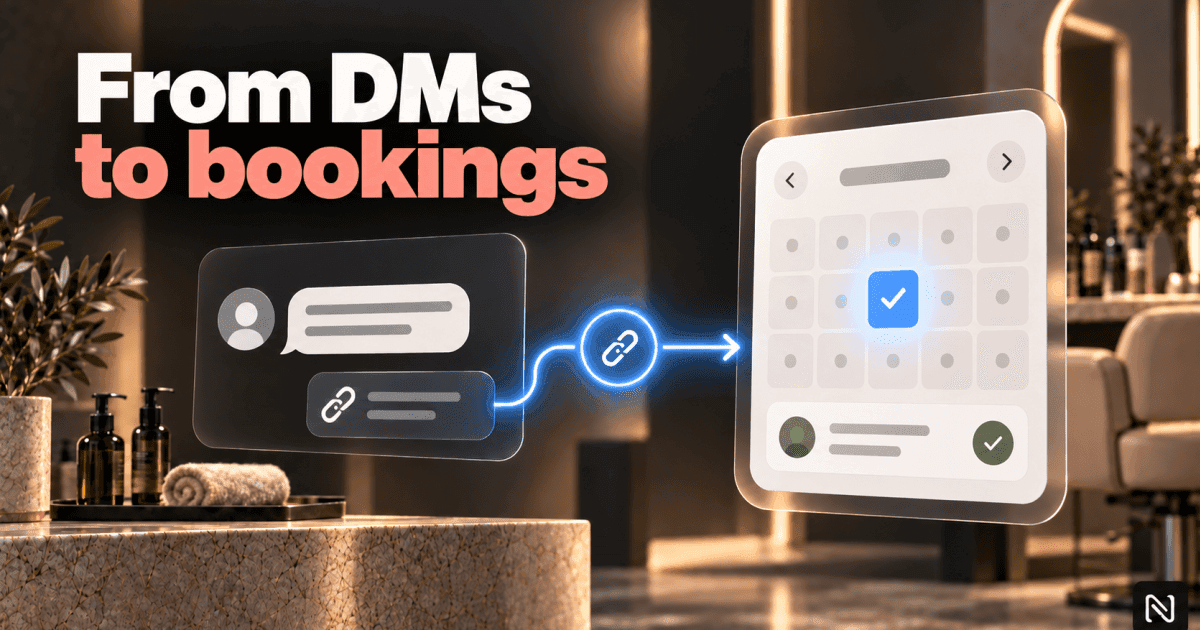
[ ] Your Instagram and website links go directly to booking.
[ ] A simple booking does not require a phone call.
If you checked all of these, your bookings no longer depend entirely on the hours when you are available to respond.
You do not need to work 24/7. Your calendar needs to work 24/7.
That is the difference.
The client should not have to adapt to your response hours for a simple booking.
The system should be able to receive the booking when the client has time, within the schedule you have defined.
At night.
On weekends.
During lunch.
While you are with another client.
Nottral puts your page and online booking in one place, with availability controlled by you, confirmations, and reminders.
You do not have to stay awake.
The calendar can.